How to Track QR Code Scans (Step-by-Step)
What you can and can't track, how to set up analytics, and how to use scan data to improve campaigns. With real dashboard examples.
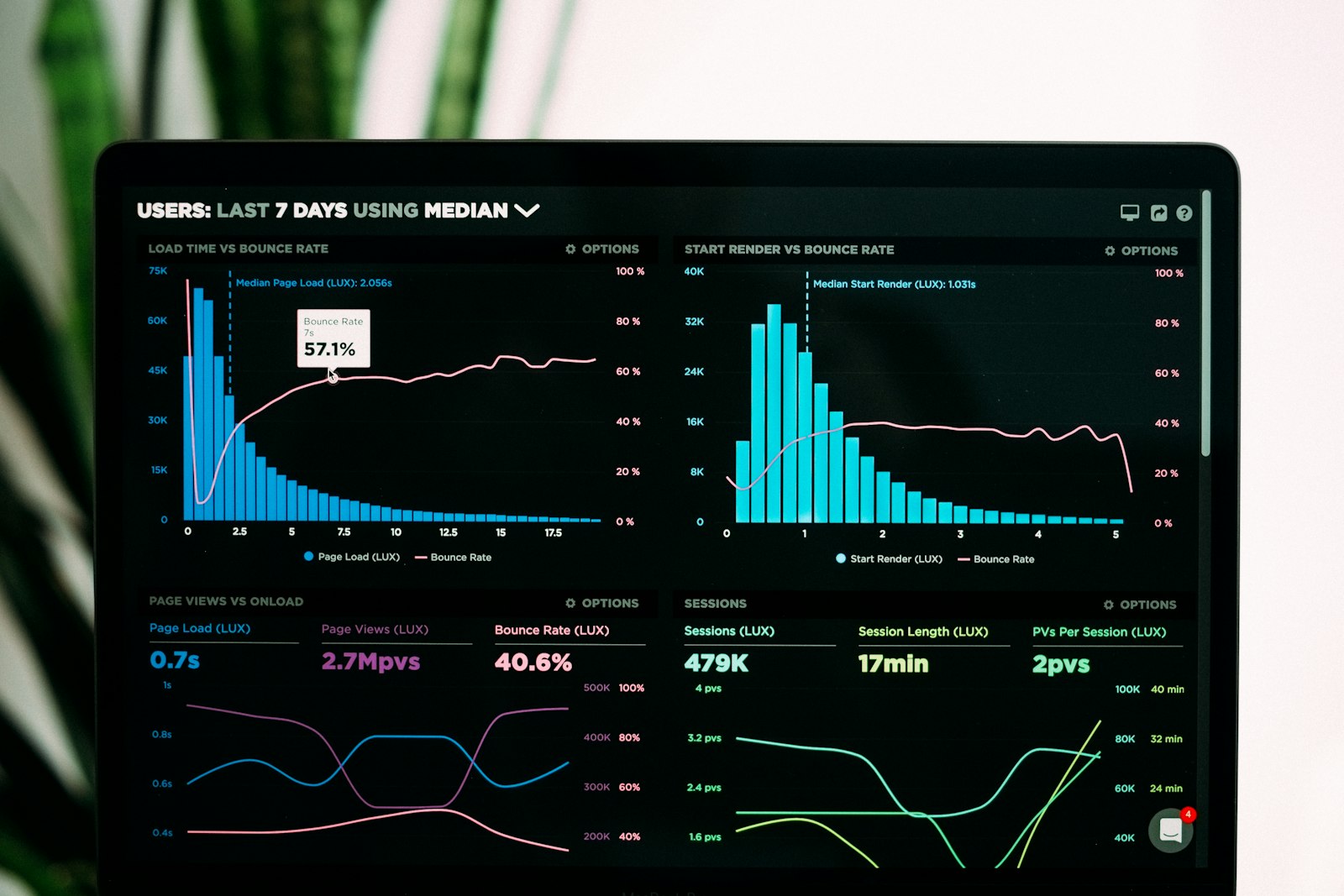
If you print a QR code and can't tell how many people scan it, you're guessing. This guide walks through what QR code analytics can actually measure, how to set it up, and — more importantly — how to turn the numbers into decisions.
What you can track
- Total scans — every scan that resolved the redirect URL.
- Unique scans — same scanner counted once per day or per week, depending on the tool.
- Time of scan — down to the minute.
- Device — iPhone vs Android, browser, OS version.
- Approximate location — derived from IP, usually accurate to city level.
- Referrer — blank for scans, but useful if the URL is shared as a link.
What you can't track
- Exact GPS location — IP geolocation is city-level at best.
- The person behind the scan — unless they log in on the landing page, they're anonymous.
- Whether they completed an action after scanning — unless you add analytics or UTM parameters to the destination page.
- Anything with a static QR code — static codes have no server to log scans.
How QR code tracking actually works
A dynamic QR code encodes a short redirect URL owned by the QR service. When someone scans it, their phone opens that URL, which hits a server that:
- Logs the request (time, IP, user agent).
- Looks up where that short URL currently points.
- Redirects the phone to the destination.
The whole round-trip takes under 200ms and the user never sees the redirect. Everything the server logs becomes a data point in your analytics dashboard.
Why static codes can't be tracked. A static QR code encodes the destination directly into the image. Scanning it opens the URL without touching any QR service server — so there's no way to know the scan happened.
Step-by-step setup
- Create a dynamic QR code in QRDyno or your chosen tool. Pick the right type (Link, Menu, Gallery, etc.).
- Set the destination. A URL, a PDF, a landing page — whatever you're pointing to.
- Download the QR image as PNG (online) or SVG (print).
- Tag the destination URL with UTM parameters for extra granularity:
?utm_source=qr&utm_medium=print. - Print and deploy. Put the code where people will see it.
- Open your dashboard after a day or two and review scans by time, device, and location.
Use scan data to make decisions
The raw numbers are interesting. What makes them useful is what you do with them.
Compare channels
Print a different dynamic QR code per channel — one on flyers, one on the magazine ad, one on the in-store poster. After a month, the dashboard tells you which channel drove the most scans per dollar. Drop the losers, double down on winners.
Optimize placement
A scan that happened once and never repeated might mean the code is placed too high, too low, or in a spot where customers don't look. Move it and compare week-over-week scan counts.
Spot seasonality
Restaurant menus get scanned most between 6 pm and 8 pm on Fridays. A conference QR code spikes during the first hour of the event and dies after. Knowing your baseline pattern makes anomalies easier to spot — a scan spike could mean your code went viral, or it could mean a TikTok video drove traffic.
A/B test with two codes
Print two versions of a poster — same QR code position, different headlines. Track which code gets more scans. This is the fastest form of A/B testing you can do offline.
Going deeper: combining with web analytics
QR code scans tell you a scan happened. They don't tell you what the person did after. To close that loop, add Google Analytics or Plausible to the destination page and use UTM parameters:
utm_source— which QR code set (e.g.table-tent)utm_medium— the format (e.g.qr,print)utm_campaign— the campaign name (e.g.summer-menu-2026)
Now your web analytics tie scans to page views, button clicks, checkouts, and signups. Scan data becomes part of the same funnel as the rest of your marketing.
Privacy considerations
Most QR services log IP addresses to derive approximate location. In the EU, IP addresses are personal data under GDPR, so your privacy policy should mention that scanning the code involves logging an IP. QRDyno's privacy policy covers this if you want a template to reference.
Where to start
If you haven't set up tracking yet, start with one campaign — the code that matters most. Get two weeks of data. Look at the dashboard. You'll immediately see which channel or placement is pulling weight and which isn't.
QRDyno's free plan includes basic scan analytics — enough to run the experiment before deciding whether to upgrade.
Ready to try it?